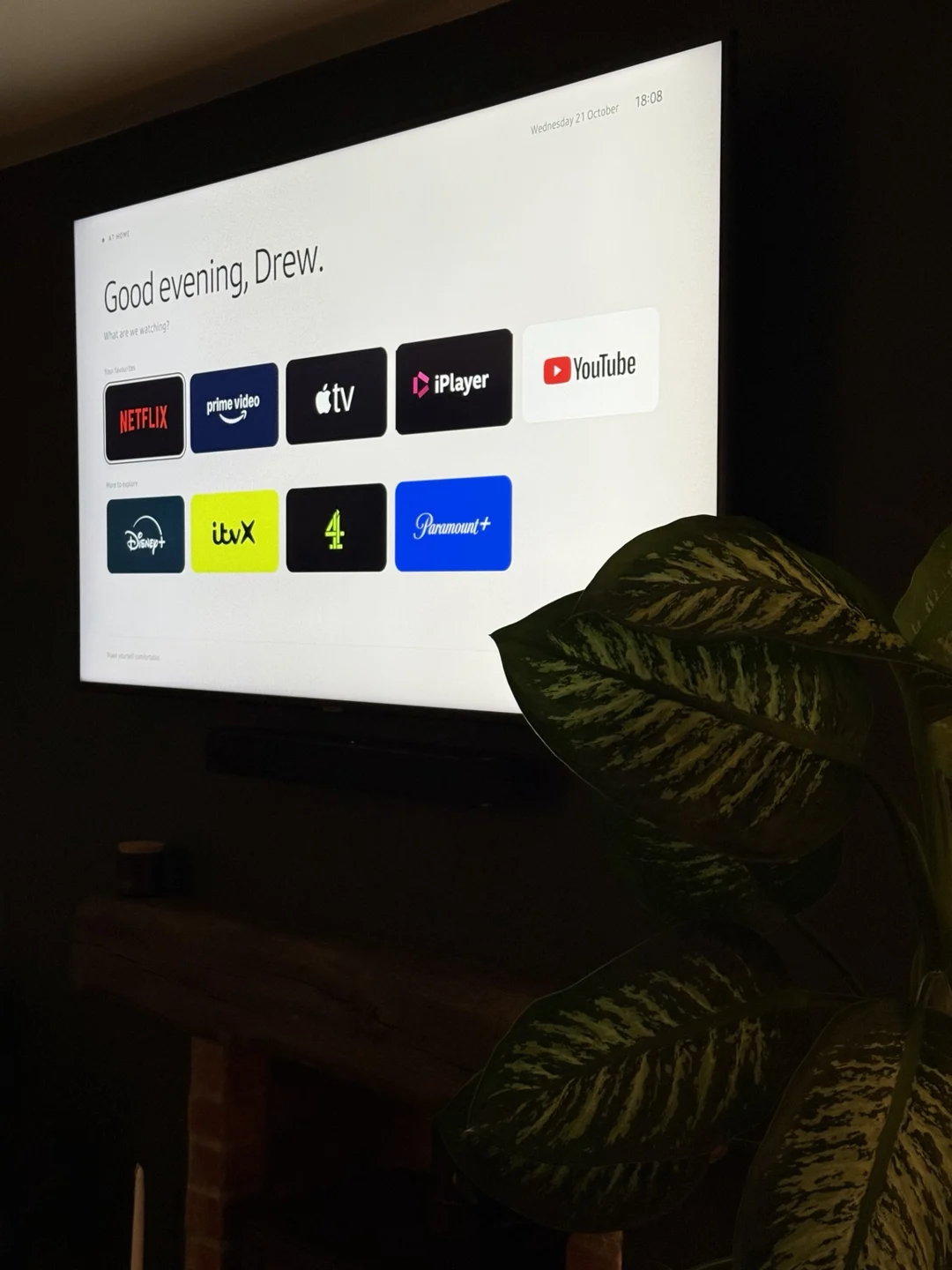
My Samsung TV’s home screen was crowded with adverts, recommendations and content I didn’t need. Inspired by another designer’s custom launcher, I wanted to build a simpler alternative and explore how AI tools could help me take an idea through to a working product on real hardware.
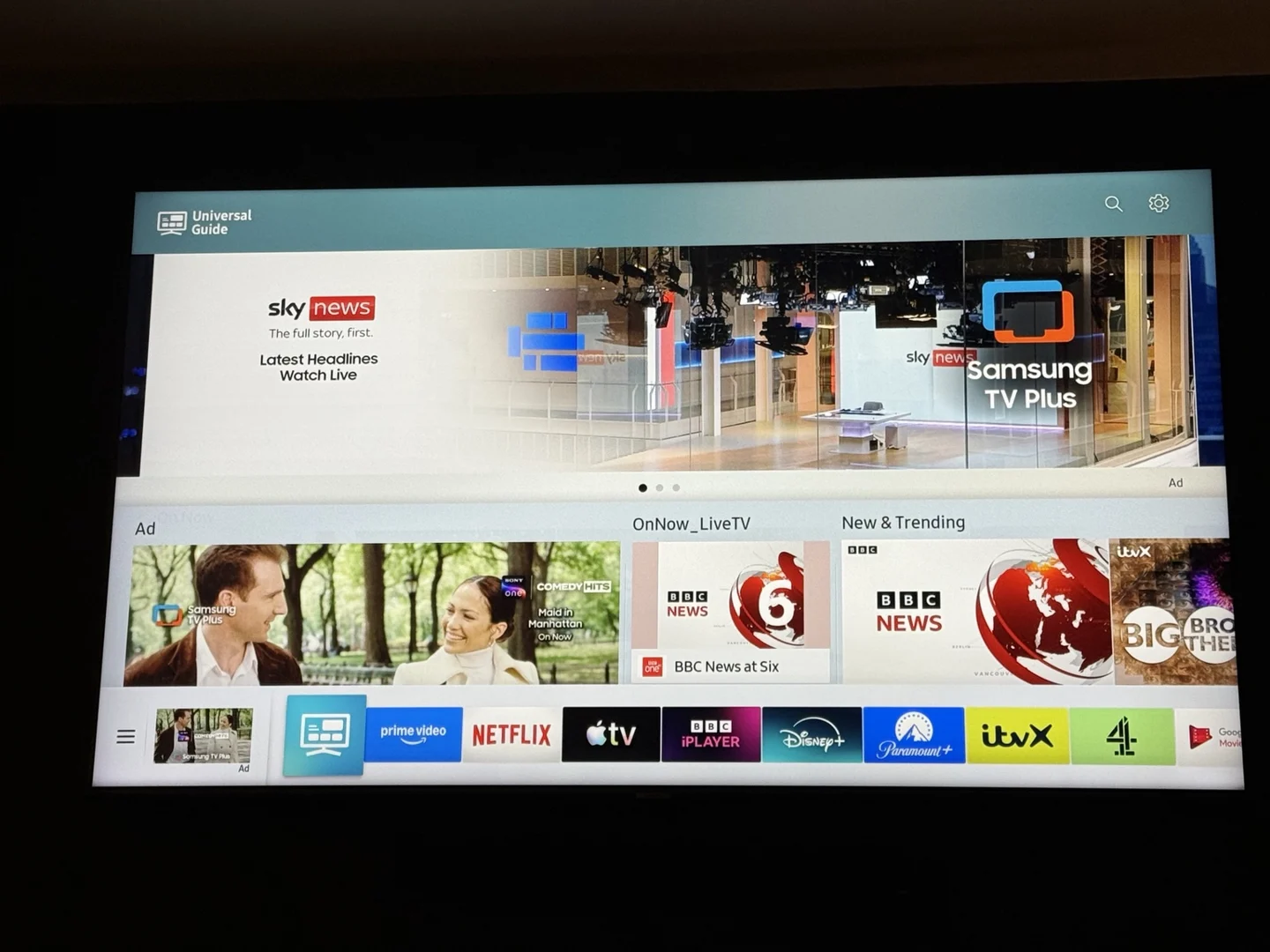
From frustration to a working app
I used Codex to build a Tizen app with my five most-used streaming services first and other streamers below. A personalised greeting changes through the day, and everything works with the existing TV remote. I directed the design while Codex helped write the code and get it running on the TV.
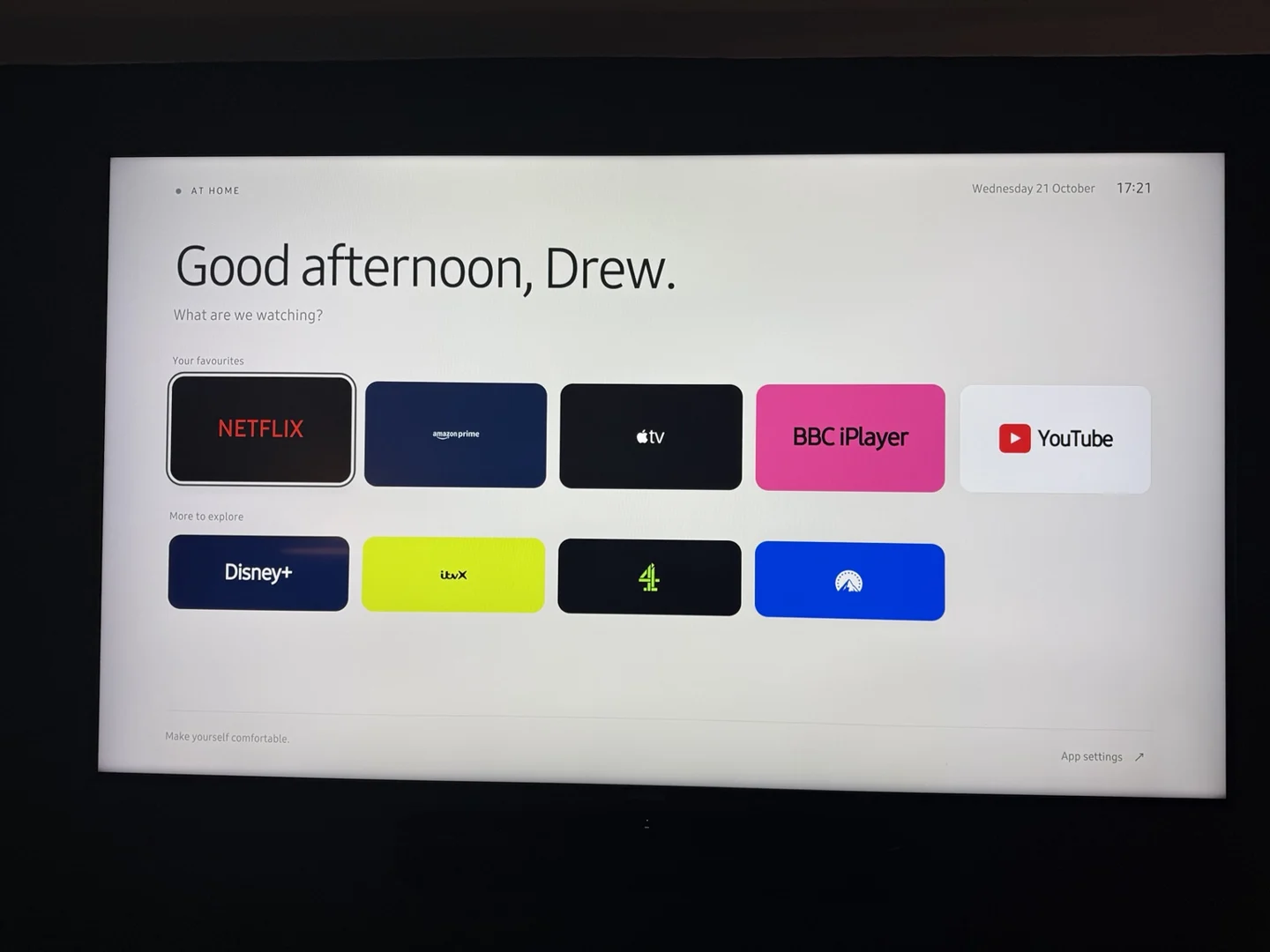
Refining it on the TV
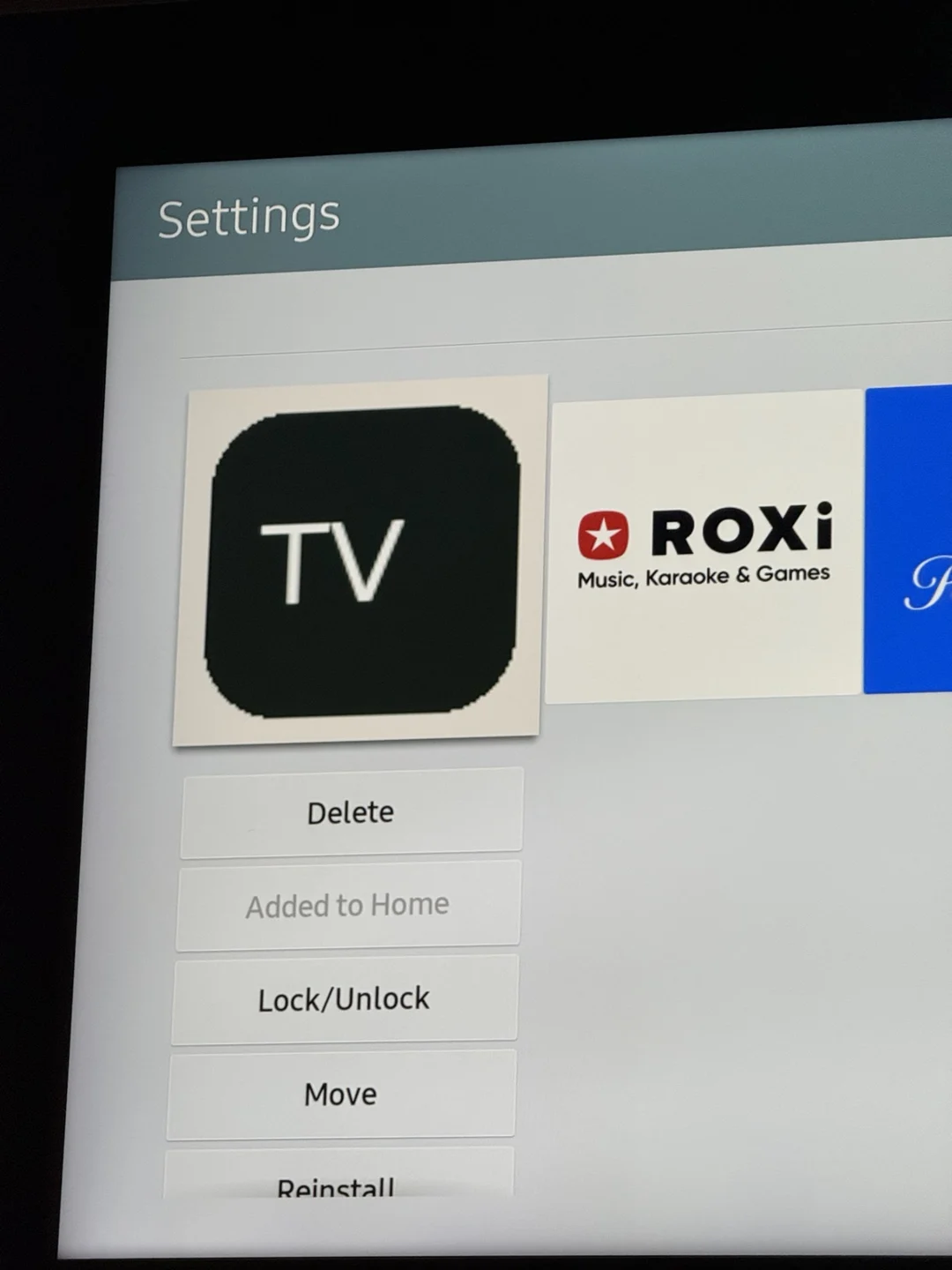
The first build exposed inconsistent logos, uneven tiles and a rough app icon. I refined the service branding, made the tiles uniform and developed a DrewTV identity. Testing also revealed that Samsung handled icon proportions differently across its menus.
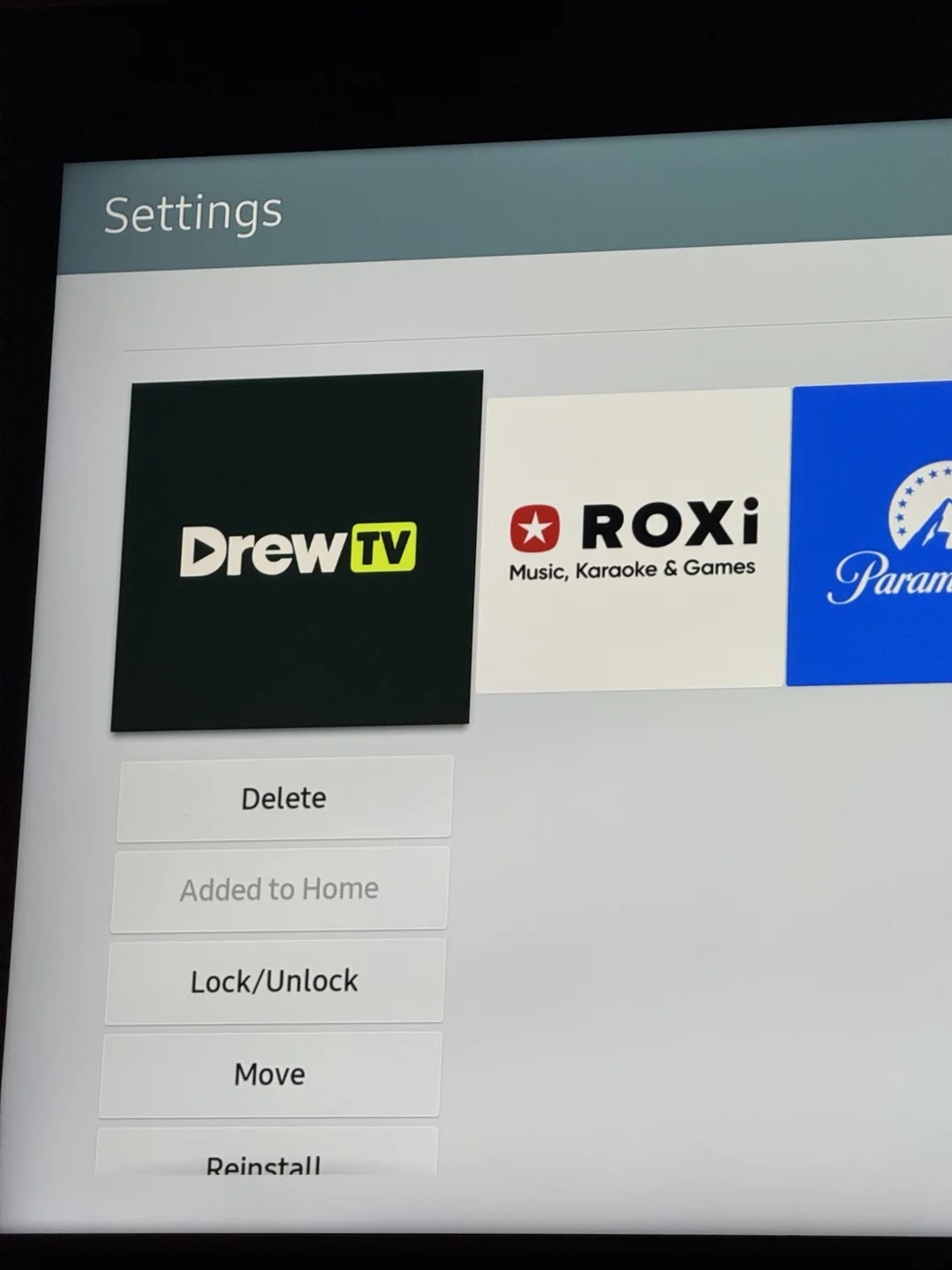
Two hours later
A working launcher, installed on my own TV and opening the services I use.